

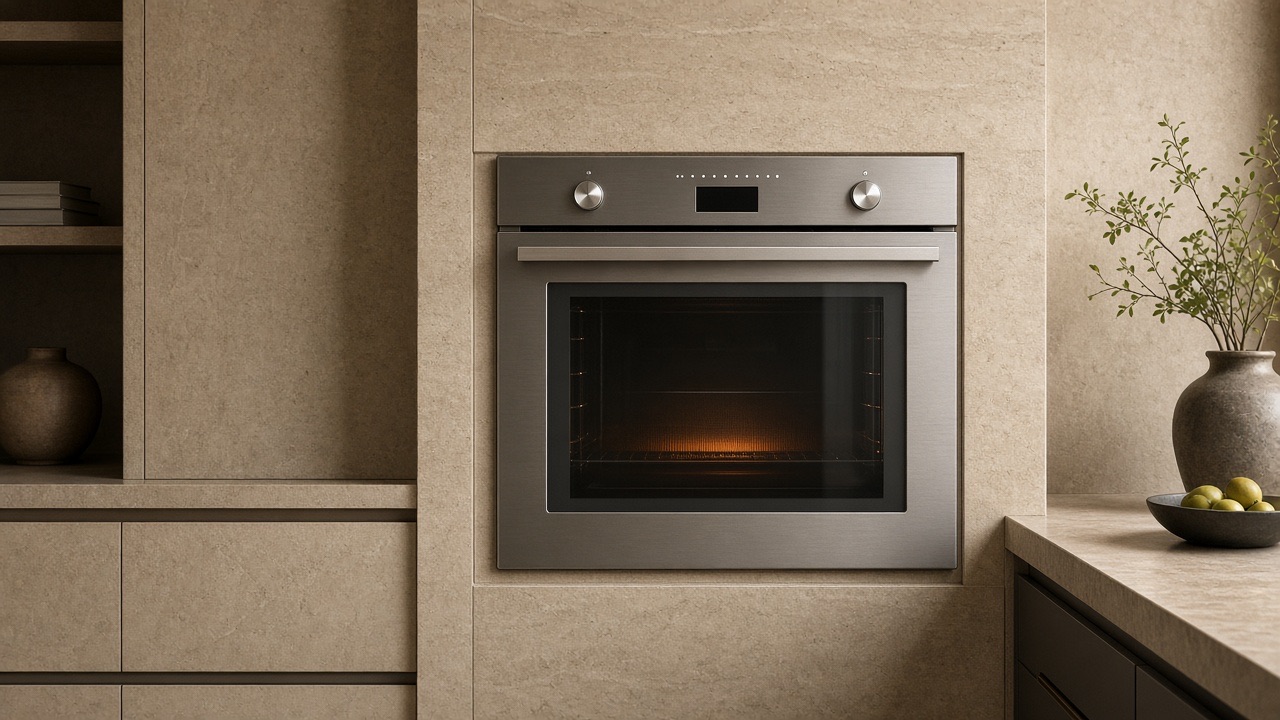
Specialized Dacor Appliance Repair in Los Angeles and Orange County
Dacor oven takes too long to preheat? Use this model-aware guide to narrow the likely cause, try safe external checks, and know when the problem needs professional diagnosis.
A Dacor oven that is slow to preheat is often a settings, loading, or door-seal question before it is a part failure. Preheat with the door closed and the racks clear of the rear vent, and check the temperature adjust setting. If the oven is still slow on an empty test, or a code appears mid-preheat, book.
A Dacor oven that takes too long to preheat may still cook once it arrives. Slow preheat on a 30-inch wall oven is often one element out of a pair, a lingering Sabbath/demo state, or a door that never quite latched. Time it with the door closed.
If broil is lightning-fast and bake crawls, the bake circuit is the suspect. If both are slow, look at supply and door seal. Combination ovens that share a microwave cavity have a different preheat personality — confirm DOC versus DOB families. The manual lists control, rack position, and temperature adjust among the first things to review for an oven that seems too cool.
| Symptom | What it can point to | What you can safely check |
|---|---|---|
| Slow preheat, food bakes unevenly | Rack position, temperature adjust, or load in the oven | Check the racks, remove extras, and review the adjust setting |
| Steam from the vent during convection | Normal convection baking | Compare with the manual’s description |
| Fan cycles on and off | Normal convection behavior | No action needed if cooking works |
| Display blank | Breaker, fuse, plug, or outage | Check the household power items in the manual |
| Slow after a clean cycle | Door lock or cooling state | Make sure the door has fully unlocked |
Do not run clean mode to “help” a slow preheat. Clean is a different, hotter stress on the same parts.
The use-and-care manual for the Modernist 30-inch wall oven advises always preheating for baking, and cites 5 minutes for several convection modes. InstantHeat mode, by contrast, is used without preheating, so a recipe that skips preheat may be using that mode. The Pro range manual gives the same preheat advice.
Oven temperature is factory-calibrated and can be adjusted by plus or minus 35 F in Settings, under Temp and then Temperature Adjust. The adjustment does not affect broil or self-clean temperatures and is kept after a power failure. A changed value can make an oven seem slow or off even when heating is normal.
For “oven temp too hot or cold” and “food does not bake properly,” the manual points first to the controls, rack position or level, and the temperature adjust setting. Those are checks to finish before you decide an element has failed.
None of those is confirmed by the symptom alone. Wiring, connectors, restrictions, and the control can produce the same kitchen experience as a failed part.
The convection fan cycles on and off during baking, and steam from the vent during convection baking is normal, according to the wall-oven manual. A fan that stops briefly is not necessarily a fault, and a vent that steams is not a leak.
For an oven that will not turn on or has a blank display, the manual lists a blown fuse, tripped breaker, improperly inserted plug, power outage, or an unplugged outlet. A single breaker reset is a normal first step; repeated trips are not.
The 12-hour energy saving feature can turn the oven off by itself after 12 hours in baking functions or 3 hours in broil, if it is enabled. That matters for long roasts, not for slow preheat, but it can explain an oven found off.
Door seal matters for heat. The manual says not to clean the door gasket because it is essential for a good seal, so avoid scrubbing it while trying to speed up preheat.
Book wall-oven repair if preheat regularly exceeds a reasonable closed-door test on an empty oven, if one element never glows on an electric cavity, or if a code appears mid-preheat. Book as well if the oven still crawls after the temperature adjust setting and rack position check out, since those are the manual’s first stops.
The manual does not give a single time, and it varies by mode. It advises always preheating for baking, and cites 5 minutes for several convection modes, so an empty oven that is much slower than usual is worth a visit.
It can change how the oven reads and cooks. The manual describes a plus or minus 35 F adjustment, so check it in Settings before assuming an element is failing.
The manual says steam from the vent during convection baking is normal. It does not mean the door is leaking.
Empty-cavity times vary by size and mode. A 20-minute crawl to 350° on a 30-inch electric oven deserves a test.
Sometimes. Use the same mode you cook in for the test.
It can add several minutes. Test once with the oven empty.
It is a performance fault until you smell gas, see arcing, or get a lock/sensor code.
Share a few details and we’ll confirm an appointment. Prefer to talk? Call us and we’ll help right away.
Fields marked with * are required.