

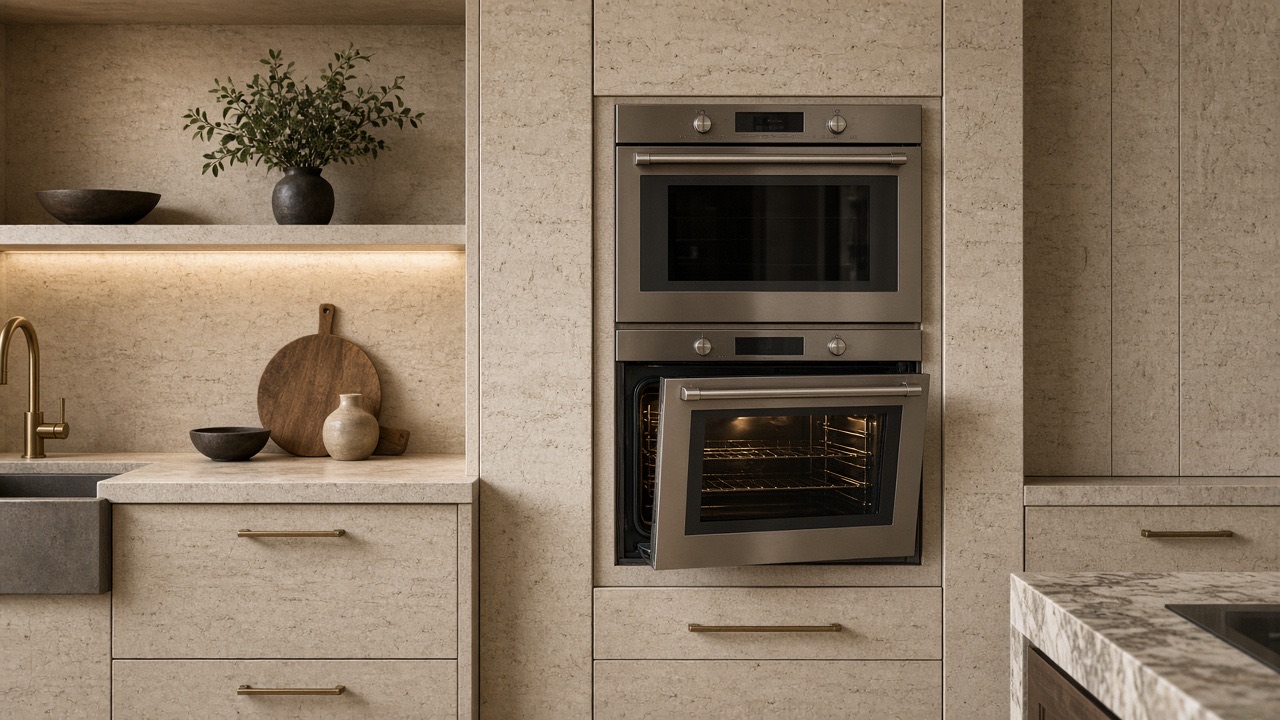
Specialized Dacor Appliance Repair in Los Angeles and Orange County
Dacor double oven one oven not heating? Use this model-aware guide to narrow the likely cause, try safe external checks, and know when the problem needs professional diagnosis.
When only one oven in a Dacor double oven will not heat, the first question is whether the other cavity heats normally. If it does, the problem is usually on the failed cavity’s side. If both cavities act up, the shared control or a lock state becomes more likely. Test both with the same setting and tell the technician which one is cold.
A Dacor double oven with one oven not heating is a cavity-specific circuit until the shared control is proven. Upper and lower ovens have their own elements and sensors; they often share a board. Say which cavity failed when you book.
If the lower bakes and the upper is cold, the shared UI is probably alive. If both ignore bake, think control or lock. Combination upper microwave/ovens can fail heat on microwave while bake still works — that is not “one oven.” Confirm the model family.
| Symptom | What it can point to | What you can safely check |
|---|---|---|
| Upper cold, lower bakes normally | A problem tied to the upper cavity | Run the same bake setting in both and compare |
| Both ignore bake | The shared control, a lock state, or no power | Check whether the display is blank or locked out |
| Door will not release after a clean | A clean lock still active on that cavity | Let the oven cool, then see whether the door unlocks |
| Microwave side cold, bake works | A microwave-path problem on a combination unit | Try a cup of water in the microwave only if the manual allows it |
| Heats, but very slowly | Temperature setting or sensor behavior | Check the temperature adjust setting in the manual |
Do not cook unattended in the working cavity as a workaround if the control is throwing codes on the other.
A double wall oven is two cavities under one control. The manual for the Modernist 30-inch double wall oven describes controls and settings that apply to the oven as a whole, plus functions that act on each door. Control lockout, for example, also locks the doors, and it only becomes available when oven temperature is under 400 F and other functions are cancelled first.
That shared layer is why a lock or setting issue can look like a cold cavity. An oven that cannot be set to cook until it is cool enough for the door to unlock will refuse a bake command no matter how healthy the elements are. A self-clean cycle cannot start while control lockout is active either, so a locked-out control can mimic a failure in either cavity.
Before you decide a cavity has failed, confirm that no function is still running on the other door.
None of those is confirmed by the symptom alone. Wiring, connectors, restrictions, and the control can produce the same kitchen experience as a failed part.
The wall-oven manual lists a blown fuse, tripped breaker, improperly inserted plug, power outage, or an unplugged outlet for an oven that will not turn on or has a blank display. Those are household power items. They tend to affect a whole appliance, so they matter less when one cavity works.
For temperature complaints the same manual points to the controls, rack position or level, and the temperature adjust setting. The oven is calibrated at the factory, and the setting can be adjusted by plus or minus 35 F, which does not change broil or self-clean temperatures. An adjustment that someone changed in the past is a plain explanation for food that bakes poorly in only one cavity.
The manual also lists sensor open and short codes (C-20 and C-23), high-temperature codes (C-21 and C-31), and a cooling motor code, and says to call for service for several of them. A code that shows up on the failed cavity only is useful information for the visit.
Finally, the energy saving feature can turn the oven off by itself after 12 hours in baking functions or 3 hours in broil, if it was enabled.
Book wall-oven repair if one cavity stays cold after a documented bake test, if a sensor or lock code is cavity-specific, or if the working oven starts to misbehave too. A cavity that heats only after a restart, or a door that will not unlock between cycles, belongs in the same visit, so mention both.
Each cavity has its own heating and sensing parts, so a failure can be limited to one. Compare both with the same setting, and check for a lock state or a cavity-specific code before concluding that a part has failed.
It can. The manual describes a plus or minus 35 F adjustment that is kept through a power failure, so a changed value can make an oven under- or over-bake. Check it in Settings before assuming a fault.
Using it normally is reasonable if it behaves. If the control throws codes or the working oven starts to misbehave too, stop and book a visit.
Brief use may be reasonable if there is no burning smell or lock fault. Still book the failed cavity.
Usually no. Each cavity has its own. The control can still be shared.
It is a different heat path. Say combination oven when you book.
Only if the control was the failed item. Elements fail one at a time too.
Share a few details and we’ll confirm an appointment. Prefer to talk? Call us and we’ll help right away.
Fields marked with * are required.