

Specialized Dacor Appliance Repair in Los Angeles and Orange County
Dacor oven not heating? Use this model-aware guide to narrow the likely cause, try safe external checks, and know when the problem needs professional diagnosis.
A Dacor oven that lights up but does not heat is not automatically a failed element, because the display, lights and fans can all work while the heating circuit does not. Test bake and broil separately, note any code, and book a visit if there is still no heat or a sensor code returns.
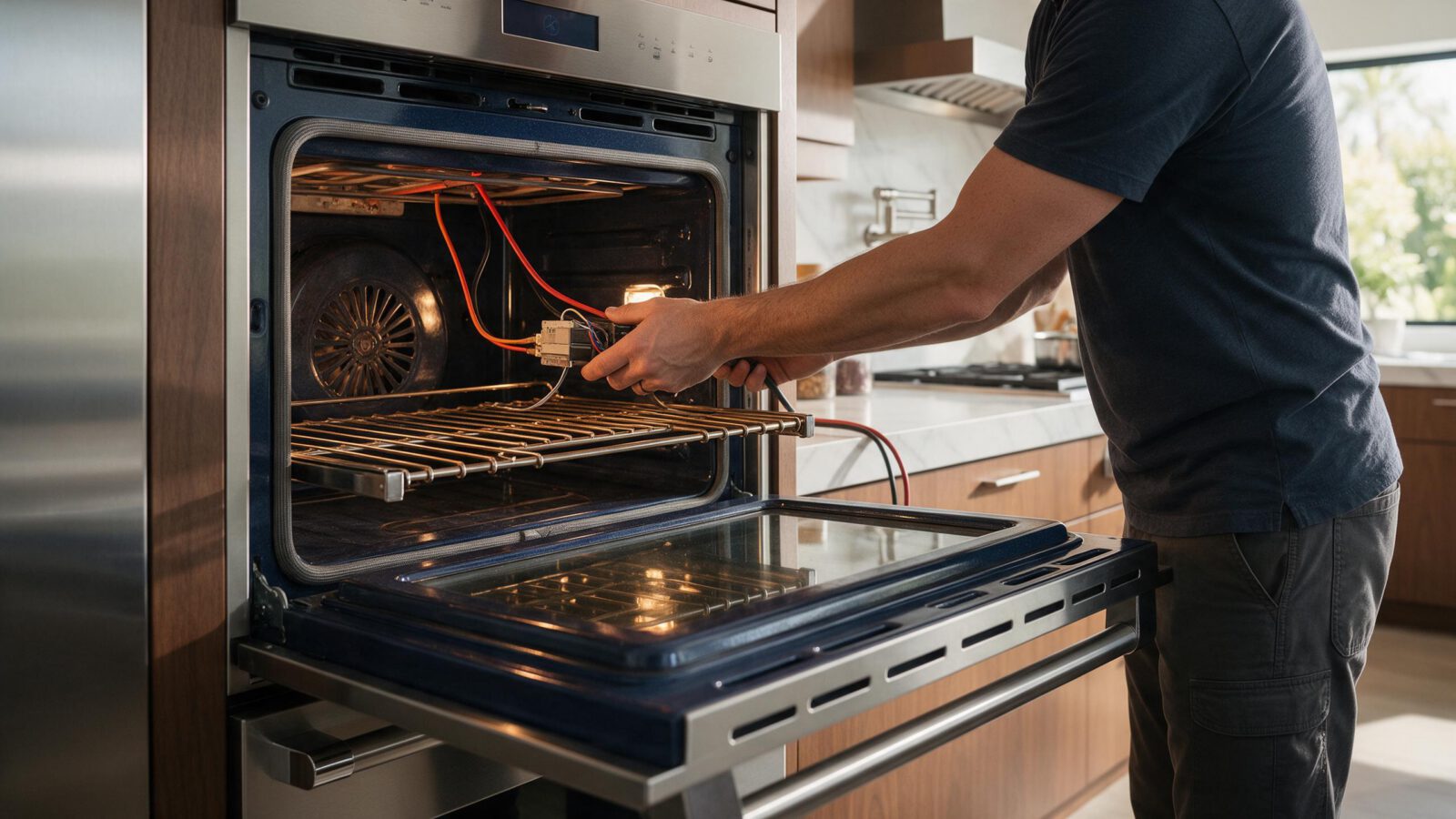
A Dacor oven not heating can still preheat on the display. Lights, convection fans, and a clock do not prove the bake circuit closed. Wall ovens in Los Angeles built-ins also fail one cavity at a time on doubles — always say which oven you tried.
No heat in bake but broil works is a different path than no heat in any mode. Sensor codes such as C-20 / C-21 on Modernist wall ovens are temperature-sensing faults, not automatic element orders. Discovery ER36D-class ranges used F-codes instead. Confirm the platform.
| Symptom | What it can point to | What you can check |
|---|---|---|
| Display preheats but the cavity stays cool | A heating circuit that never closed, or a sensor reading that is not believed | Try bake and broil separately and note which one, if either, warms the oven |
| Heat in broil but not bake | A fault on the bake path rather than the whole oven | Write down which mode worked and give that to the technician |
| No display or a blank panel | Power supply to the oven | Check the breaker, the plug and whether the household lost power |
| Door will not open after a cleaning cycle | The oven is still hot or the door lock is holding | Let it cool and do not force the door |
| One cavity of a double oven is cold | A fault on that cavity only | Run the other cavity to confirm and name which one failed |
Do not keep a no-heat oven running unattended. If you smell gas on a dual-fuel range, leave the area.
Before treating this as a heating fault, the Modernist wall-oven manual lists a few plain power causes for an oven that will not turn on or has a blank display: a blown fuse, a tripped breaker, an improperly inserted plug, a power outage, or an unplugged outlet. Those are worth ruling out first, and they are things you can see without touching anything inside the oven.
The manual also says the oven cannot be set to cook until it is cool enough for the door to unlock after a self-clean. If a cleaning cycle was run recently, the oven may simply be waiting. That is a different situation from a heating fault, though the symptom in the kitchen is the same.
None of those is confirmed by the symptom alone. Wiring, connectors, restrictions, and the control can produce the same kitchen experience as a failed part.
The oven door locks automatically during self-clean. The display shows time remaining and the door cannot be opened until the temperature drops to a safe level. The manual warns that forcing the door open will likely damage the automatic lock, so do not pull on it.
If the door stays locked after the cycle, the manual’s first explanation is that the oven is still too hot, so let it cool. After a breaker trip or power failure while the door was locked, it describes using Control Lockout and then unlocking the controls. Check your own model’s manual for how that works on your oven.
A code C-d1 means the door lock is mispositioned. The manual says to press OFF and restart, and if it persists, to disconnect all power for at least 30 seconds, reconnect, then call for service. That is a single power reset, not a series of attempts.
Testing bake and broil separately narrows the problem, but it does not name a part. Heat in one mode and none in the other says the oven has some working heating circuit, so the fault is more specific. No heat anywhere points more toward supply, the control or sensing.
A working light or fan proves only that the oven has power. It says nothing about whether the heating circuit closed, which is why a thermometer in the cavity is worth more than the display.
On a double oven, an answer from one cavity does not clear the other. Tell the technician which cavity you tried and what each mode did.
Book wall-oven repair if there is still no heat after a documented bake/broil test, if a sensor code returns, or if you smell burning from the control. Do not bypass the door lock.
Yes. The display can count up toward a target while the cavity stays cool, and lights and fans keep working. A thermometer in the cavity tells you more than the readout does.
No. Codes such as C-20 and C-23 are listed as oven sensor open or short faults, and C-21 and C-31 as high-temperature codes. They describe the sensing side, so they should not be used to order a heating part.
Not unattended. Run a short test, record what each mode did, and stop. Repeated attempts add little and can hide what happened the first time.
The control can count time without a closed bake circuit.
On Modernist ovens it is a sensor-family code. Test the sensor and harness.
Only as a brief test, not as a cooking plan, and never if you smell a fault.
Often yes. That is why both cavities can need the same visit.
Share a few details and we’ll confirm an appointment. Prefer to talk? Call us and we’ll help right away.
Fields marked with * are required.