

Specialized Dacor Appliance Repair in Los Angeles and Orange County
Dacor dishwasher won't start? Use this model-aware guide to narrow the likely cause, try safe external checks, and know when the problem needs professional diagnosis.
A Dacor dishwasher that will not start is most often waiting on the door latch, a lock or delay setting, or a missing supply rather than a failed part. Work through the short documented checklist, note any code, and book a visit if it still ignores Start.
A Dacor dishwasher that will not start may still have a lit panel. Door latch, control lock, and delayed-start states all look like a dead machine. PC on some Modernist units is a door-related information code, not a pump failure.
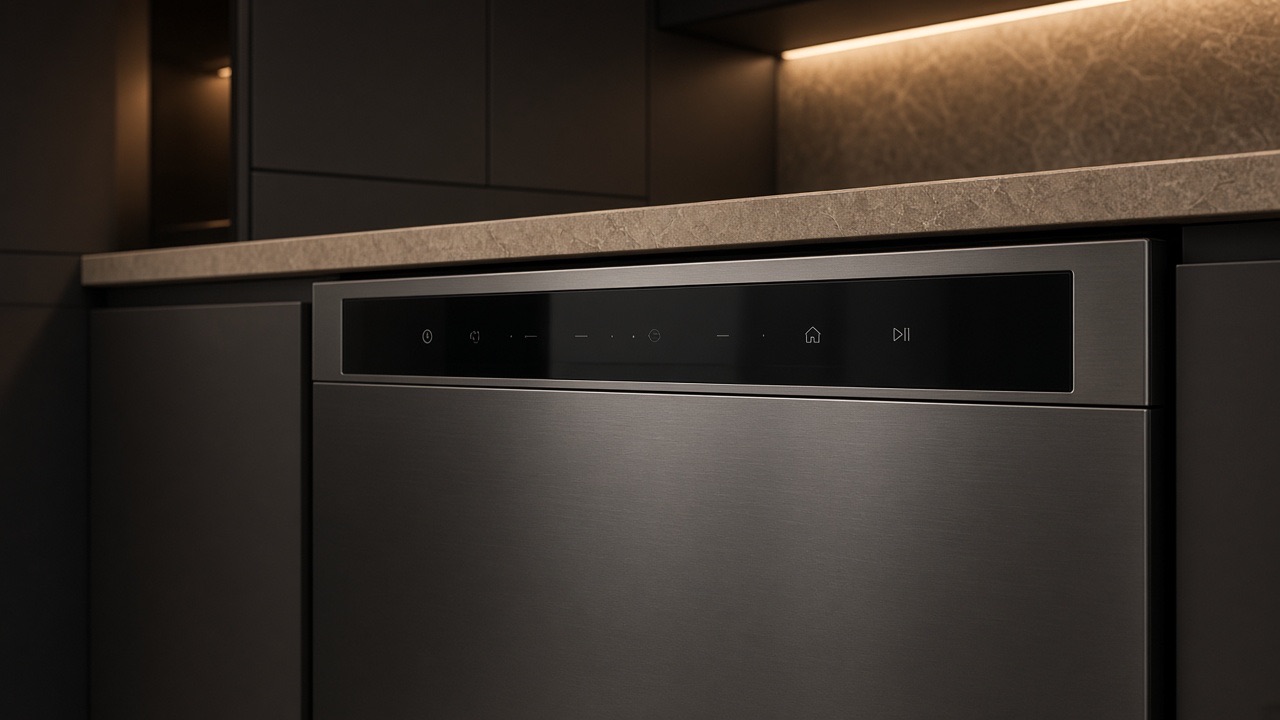
Lights with no motor usually means the control never left idle. No lights at all is supply or a tripped breaker. Confirm whether you have a DDW24G9000, a Modernist touch panel, or a legacy F-code platform before you treat the buttons as generic.
| Symptom | What it can point to | What you can check |
|---|---|---|
| Lights on, nothing runs | The control is idle because the door, a lock or a cycle choice is not set | Re-latch the door, then select a cycle and press Start |
| No lights at all | No power reaching the machine | Check the breaker and whether the power cord is connected |
| Starts then stops quickly | A code stored early in the cycle | Note the code before pressing Cancel |
| Starts but fills slowly or not at all | Water supply closed or restricted | Check that the supply valve is open |
| Cycle runs but wait is long | Cold supply water heating before the wash | Check whether the machine is on a hot water supply |
Do not hold Start for a minute hoping the board will wake. Record any code first.
The user manual for a 24-inch Dacor dishwasher lists a short set of items for a machine that does not start. The door must be fully latched, and the upper rack must be properly joined to the duct nozzle. A cycle must be selected and Start pressed. The power cord must be connected and the water supply valve open.
Two of those are easy to miss. The upper rack joining the duct nozzle is not something most people think of as part of starting, but the manual lists it. And pressing Start without choosing a cycle first can look like a dead machine.
Check your own model’s manual, because the exact order and the controls differ between dishwasher families.
None of those is confirmed by the symptom alone. Wiring, connectors, restrictions, and the control can produce the same kitchen experience as a failed part.
Some machines that seem not to start are only slow. The manual says that if the dishwasher is connected to cold water it needs extra time to heat, and that it should be on a hot water supply. A pause before the wash begins is not the same as a dead control.
The manual also describes a cancel and drain function, done by pressing and holding Start for 3 seconds. That is the documented way to end a cycle you do not want. It is different from holding Start to wake a frozen panel, which the article already advises against.
If the machine still does nothing after the checklist, the remaining causes are inside the unit or its wiring, so the next step is a visit.
If the machine starts after you re-latch the door, the control was fine and the latch was the fault. If it starts after you select a cycle and press Start, the cause was the sequence. Neither means a part needs replacing.
If it still does nothing with a latched door, a selected cycle, a connected cord and an open valve, you have worked through the documented list and the remaining causes are not owner checks.
A code is useful at that point. Note the characters exactly before pressing Cancel, because Cancel can clear what the technician would want to see.
Book dishwasher repair if the latch is closed, the breaker is on, and the machine still ignores Start, or if a door-related code returns immediately.
A lit panel only shows the control has power. The door may not be fully latched, no cycle may be selected, or Start may not have been pressed. Walk through those before assuming the board has failed.
The manual lists a closed supply valve among the items to check for a machine that does not start. A closed valve does not usually show on the panel, so look at it directly.
The manual says to press and hold Start for 3 seconds to cancel and drain. Use that instead of cutting power repeatedly.
Yes. A delay that is still counting can look like a machine that ignores Start. Look at the panel for a delay or lock indicator before assuming a fault, and check whether it was set by someone earlier.
It is a reasonable first look when the panel is completely dark. If the panel is lit and the machine will not run, a tripped breaker is less likely and the latch or selection is the better place to look.
The panel can have power while the latch circuit is open.
On some Modernist units it is a door/information check. Test before you order a panel.
Yes. Clear lock and delay before you assume a board failure.
After you record the display. One reset is enough.
Share a few details and we’ll confirm an appointment. Prefer to talk? Call us and we’ll help right away.
Fields marked with * are required.